Compare invoicing software for Canadian small businesses by testing billing from completed work, payment tracking and how records reach your bookkeeper.
Written by Merba, a software provider. This is a buying checklist, not an independent ranking. Use the same test in every tool you consider.
Editorial review: . Product walkthroughs and scope references are linked below.
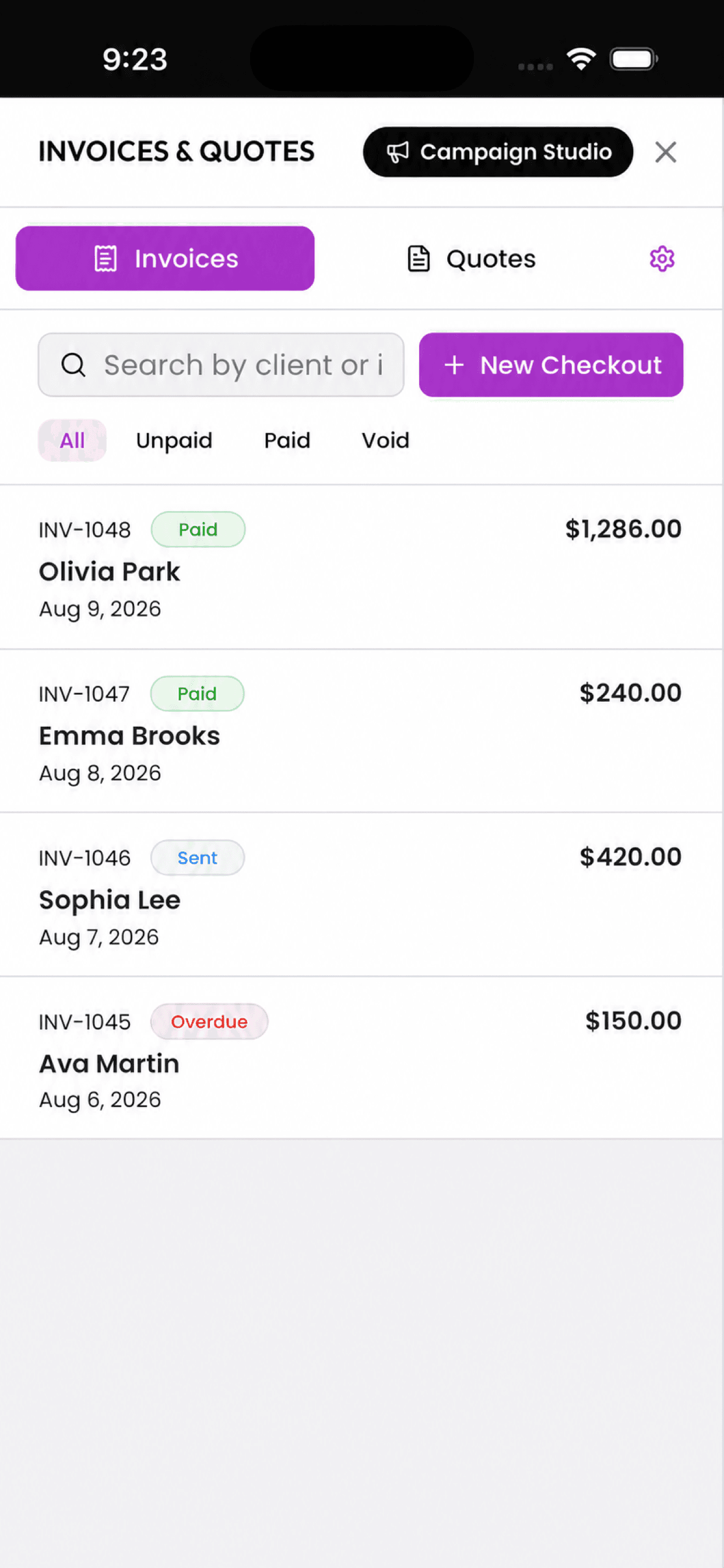
Invoices in Merba · Example data
Merba tutorial
Follow a quote through to payment status
See how an accepted quote becomes an invoice and where payment status appears. Compare that with the records you need for bookkeeping.
Loading the walkthrough…
Start with the work you need to do
For a Canadian service business, compare invoicing software on the path from completed work to a clear bill, recorded payment and usable bookkeeping records. Start with your actual payment methods and tax requirements. If reconciliation, payroll or financial statements drive the decision, evaluate accounting software separately from the client-and-job workflow.
What to test before you choose
Create an invoice from completed work and check which client and job details carry over.
Try the payment methods your clients actually use and check the applicable fees.
Verify how you can share the records your bookkeeper needs and confirm which tax settings are available.
Compare the workflow, not just the feature list
Invoice the work that was agreed
Try it: Create an invoice from a fictional completed job or accepted quote. Check the client, approved extras, deposit, due date and remaining balance.
The useful connection is between the agreement and the amount due. Find out which details carry forward and which you must enter again.
Understand payment status and total cost
Try it: Compare the payment methods your clients use, how a payment is recorded and how a partial payment or refund is represented. Review the subscription, payment-provider and separately priced service charges.
Sending a payment link, recording a payment and reconciling a bank transaction are different jobs. Ask the provider to demonstrate each one you require.
Give your bookkeeper usable records
Try it: Use a fictional invoice with your intended currency and tax settings. Ask your bookkeeper to review the available records and export format before you move existing invoices.
Confirm GST/HST and any relevant provincial-tax requirements for your business with a qualified adviser. Canadian availability alone does not prove that a tool supports your exact accounting setup.
Try this example
A fictional test scenario, not a customer result. Use sample records while evaluating a tool.
Invoice a completed maintenance visit and record a payment. Then find the invoice from the client record and confirm you can tell whether any amount is still due.
Before you choose
Do I need invoicing software or accounting software?
Choose around the job you need to improve. Invoicing handles bills and payment records. Bookkeeping may also require bank reconciliation, reporting, payroll or accountant access. Check those separately; a connected invoice workflow is not evidence of a complete accounting suite.
How should I compare free and paid invoicing apps?
Use the same monthly workload and payment methods in each comparison. Include any invoice, client or user limits, payment fees, add-ons and export restrictions. A free invoice template may be sufficient for occasional work; repeat client jobs may benefit from connected records.
Product evidence and scope
These Merba sources support the product examples, not a claim that Merba is best for every business. Walkthroughs show the named steps; an individual owner account does not establish typical results. Check current availability and pricing before switching.
Try Merba if the invoice needs to stay connected to the client and the work. Evaluate an invoicing-first tool or your accounting system separately if bookkeeping exports, reconciliation or advanced reporting are the main reason for switching.